
← Back to all documentation
Emails
Send, track, and respond from your mailbox
Send outreach emails directly through Find Me Sales by connecting your Microsoft or Gmail inbox.
- See your inbox and sent emails from inside the platform.
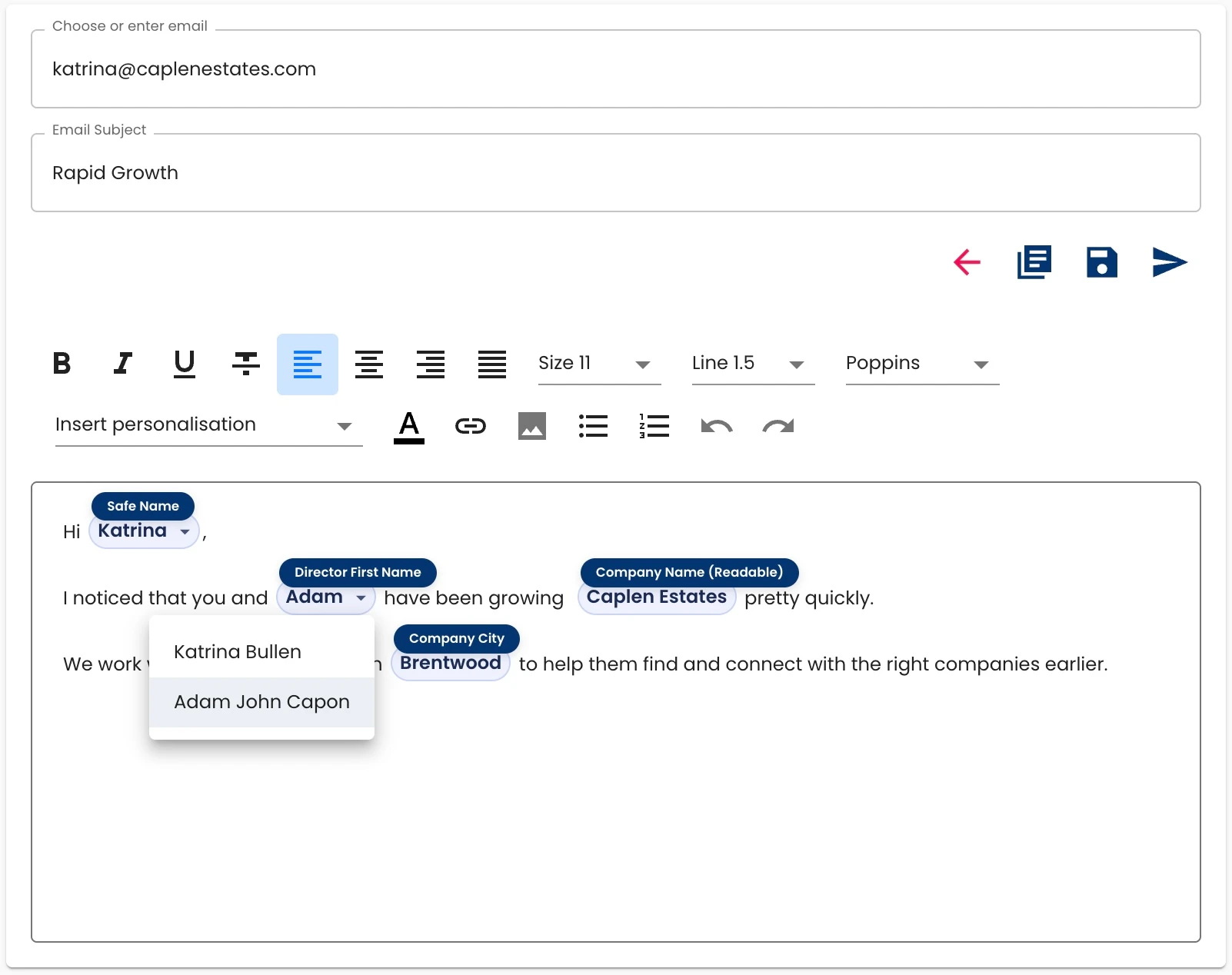
- Send emails directly with templates preloaded from Actions or Automations.
- Click any email action to load a draft email to that contact - if there are multiple contacts, you’ll see a dropdown.
- Emails are automatically logged against the relevant company or contact.
- Track opens, responses, and status - all in one place.